Browse & select
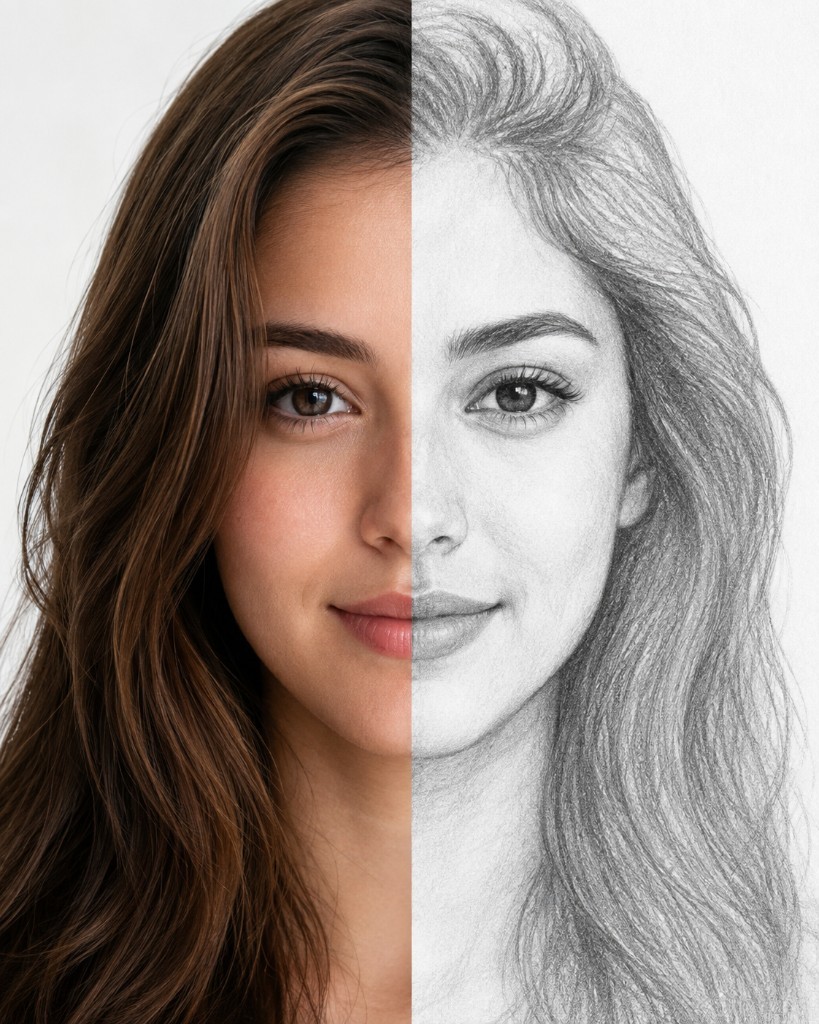
Pick from 500+ templates across 30+ categories, or turn your own photo into a clean sketch outline ready to trace.
Learn drawing with real-time AR tracing — even if you’ve never drawn before.
Choose Camera or Canvas mode, follow the lines with a pencil, and turn templates or your own photos into sketches you can be proud of. Built for beginners, kids, and anyone who wants to draw more often.
Free to download on iOS & Android · 500+ templates · AI Generate included

Two ways to trace. Pick the setup that fits your desk, then draw with confidence — Sketch.ly guides every line so starting feels easy, not intimidating.

Prop your phone with a cup, tripod, or books. Sketch.ly projects the reference through the camera so you can follow lines directly on real paper — like a lightbox, but anywhere you sit.
Keep both hands free while you sketch. Nudge opacity when lines get hard to see, zoom into details, lock the frame so nothing drifts, and flip the image when you need a mirrored pose.
Quick tip: A stable mount and soft desk lighting make Camera mode feel effortless from the first stroke.

Place translucent paper over your phone screen and follow the lines. Perfect when you want a simple, portable setup — no tripod, no mounting, just paper and pencil.
Canvas mode is great on the couch, at a café table, or traveling light. Use the same templates, photo sketches, and AI references you love, then trace at a comfortable scale on the display.
Quick tip: Use thin tracing paper or baking parchment so the outline stays crisp without scratching the screen.
From template to finished sketch in four steps — no art school required, just follow the flow.
Pick from 500+ templates across 30+ categories, or turn your own photo into a clean sketch outline ready to trace.
Set up Camera for paper under a propped phone, or Canvas to place paper on the screen — whichever fits your space.
Adjust opacity and zoom until the lines feel comfortable, then follow them with pencil or pen at your own pace.
Snap a photo or record a timelapse of your process, save it to your device, and share your finished piece with friends.
Turn text prompts or photos into art-ready references, then start sketching with your favorite style. AI Generate helps you invent something new when templates aren’t enough — then Sketch.ly helps you draw it on paper.

Explore 30+ categories — from anime and animals to anatomy and text art. Whether you’re practicing portraits, warming up with doodles, or tracing something you love, there’s a place to start.
Realistic and cartoon animals with guided outlines — pets, wildlife, and fun characters.
Favorite characters and manga-style outlines that are satisfying to follow line by line.
Playful food art that’s fun for quick sessions and colorful sketchbook pages.
Portraits and figure studies that help you build confidence with faces and form.
Feathers, wings, and wildlife sketches with clear shapes for clean tracing.
Cars, bikes, and detailed machine forms when you want sharper geometric practice.
Stylized lettering from a library of fonts — great for names, titles, and posters.
Convert any photo into a traceable sketch and draw people, places, and memories you care about.


Download Sketch.ly free on iOS and Android. Start with AR Camera or Canvas tracing, explore 500+ templates, convert photos to sketches, and create fresh references with AI Generate — then put pencil to paper.